The power of LinkedIn comes from learning what it’s features are.
LinkedIn is more than an online resume. It’s more than your modern-day Rolodex. LinkedIn is a massive database of user-supplied information!
Let’s look at some of the ways you can tap into this!
 4 Ways to Tap into the Power of LinkedIn

As a massive database, LinkedIn enables you to search for people, companies and alumni who can help connect you to your next job.
- Learn how to follow companies (and why)
- How to filter company employees by what they do, location, and more
- How to search for people by industry, location and many other advanced search features
- Find similar companies to add to your target list
Here’s help to tap into the power of LinkedIn.
Following Companies
You’ve developed a list of target companies (organizations you would like to work for or at least you think so).
FYI, these are not just companies that are posting jobs. This list is any company that could potentially hire you!
With your list in hand, follow your target companies! There are 3 benefits:
- Companies’ updates appear in your home feed on LinkedIn
- Recruiters can see if you follow their company
- Research employees who work there and you can reach out to.
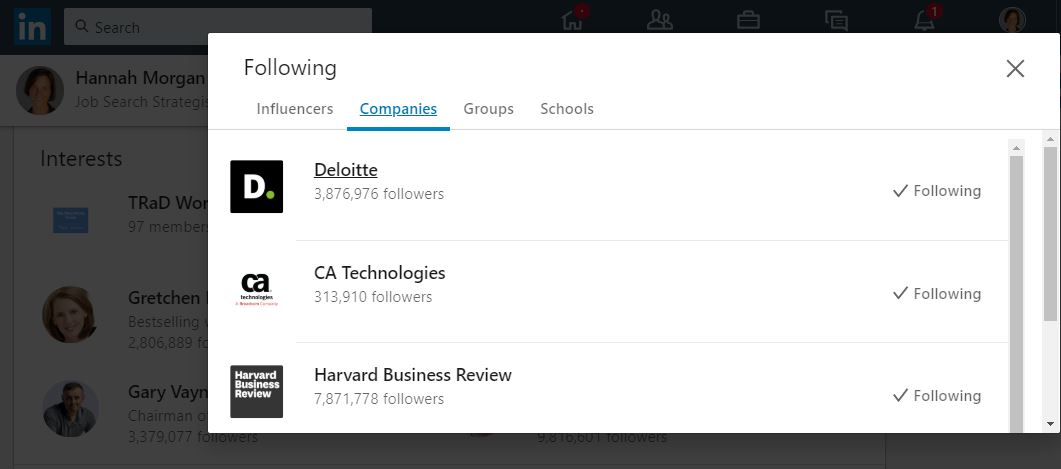
Not sure which companies you are following?
Scroll to the very bottom of your LinkedIn profile and you see the “Interests” section. This shows you the Influencers, Companies, Groups and Schools you follow.
FYI, you can follow up to 1,000 companies/organizations.
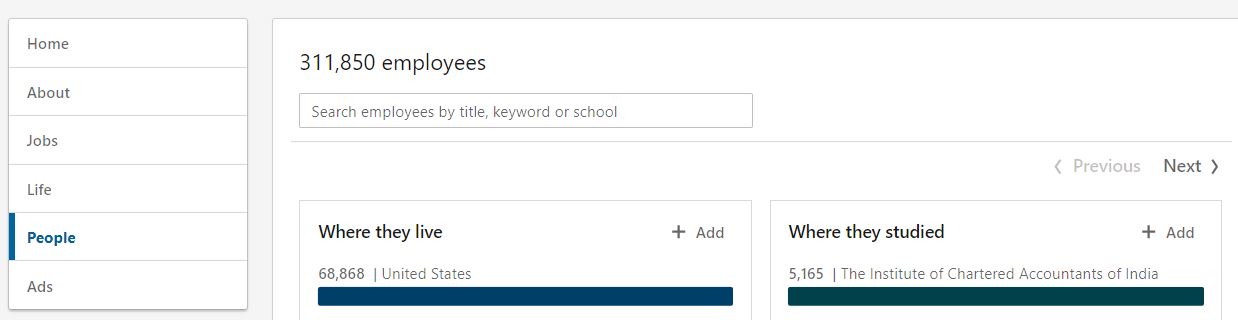
Research People (employees)
From the company page, go to “people” and you can search employees by title, keyword or where they studied.
AND, you can see (and search) all employees by other advanced filters if you click on “See All X# employees on LinkedIn”
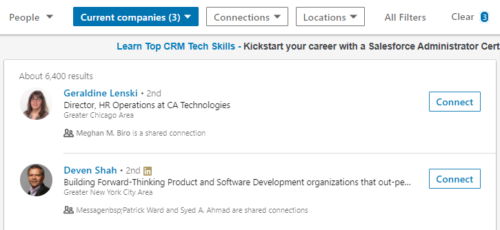
Here are a few ideas for how to use this data:
- Look for people who are located in a city where you want to work
- Check out who else attended your college/university
- Find employees who are second-degree connections and ask the people you know for an introductiom
Similar Companies
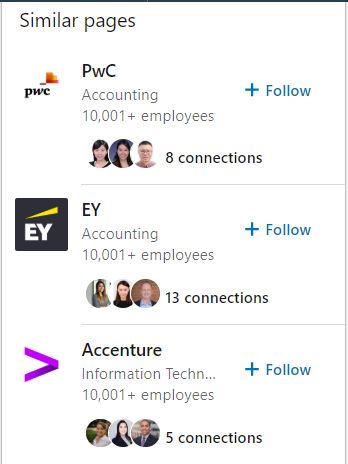
If you want to find similar companies (and expand your list of target companies) scroll down on the company’s main page and look for the “People also views” box in the right column. You’ll find similar companies (based on the industry), not location.
If you have a premium LinkedIn account, check out the company “Insights” section. You can see growth, new hires over time, total openings and more.
Searching by Industry/Location
Advanced search allows you to search for people (not companies). Here are some of the fields you can use to discover people on LinkedIn:
- Name
- Location
- Industry
- Relationship (1st, 2nd, 3rd degree connections)

Give it a try! See new people and companies you can connect with and add to your target list for potential opportunities!
Search Alumni
A super simple way to connect with people is to tap into the power of your school’s alumni.
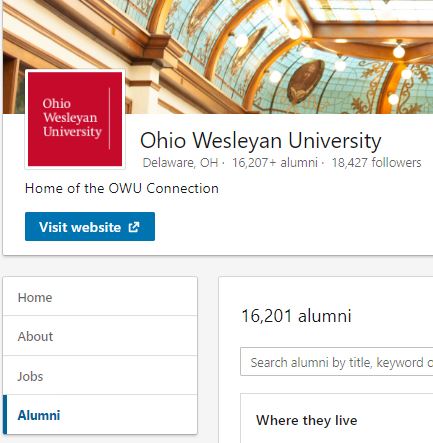
You can filter results by the location, company and many other factors. You can learn more about using LinkedIn’s alumni tool by reading this: The Easiest Way to Research and Find Alumni on LinkedIn.
Opportunities…Not Jobs
I have purposely NOT discussed the “Job” search functionality within LinkedIn. Searching for posted jobs certainly is possible and something you can do on LinkedIn.
Before you apply to any job, always do the two-step – find a job, then find an insider!

Hannah Morgan speaks and writes about job search and career strategies. She founded CareerSherpa.net to educate professionals on how to maneuver through today’s job search process. Hannah was nominated as a LinkedIn Top Voice in Job Search and Careers and is a regular contributor to US News & World Report. She has been quoted by media outlets, including Forbes, USA Today, Money Magazine, Huffington Post, as well as many other publications. She is also author of The Infographic Resume and co-author of Social Networking for Business Success.