I am going to be writing a future post with some thoughts on how an ordinary job seeker could use curating tools, but, today I wanted to show you what they look like. There are tons of options out there and below you will see the ones I’ve been experimenting with.
How They Work
You specify the post, articles or content you want to appear in your summary. It can be your content or other great information you find online. You do not need an account to view them. They operate sort of like a webpage. Just click on any of the images below and you can see how they work and what they look like live! These are all free at the basic level at this time. One other thing to note, these work because they focus on images and summarized content. Data suggests we love images and are more likely to click through to content with images we like!
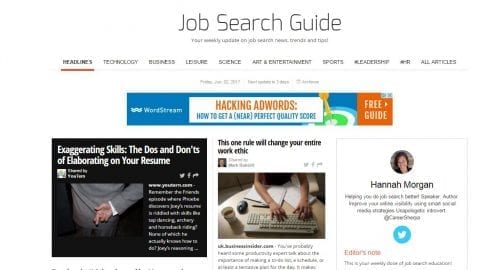
Career Sherpa on Paper.li
This publication is set up to automatically re-share what others have tweeted and once a week, it publishes to my Twitter feed. Pretty easy! Set up the accounts you want to pull from and you’re set. You can see it here. Always keep in mind keywords or terms you want to be found for and use them in titling your newspaper or in your bio section!
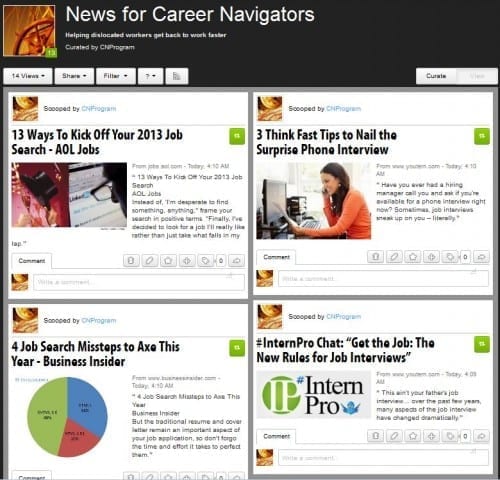
Career Sherpa on Scoop.it
I’ll admit, I don’t use this as much because I have to manually curate the content. In other words, I have to select the articles I want to publish (at least I haven’t found a way to make that happen automatically). Th Scoop.it paper shown below is specifically designed for attendees of Career Navigator, a job search program offered through One-Stops in New York State.
What do you think?
Each tool has its own set of features and unique offerings. The best way to learn about them is to try them!
As a job seeker, how do you think these might help you?

Hannah Morgan speaks and writes about job search and career strategies. She founded CareerSherpa.net to educate professionals on how to maneuver through today’s job search process. Hannah was nominated as a LinkedIn Top Voice in Job Search and Careers and is a regular contributor to US News & World Report. She has been quoted by media outlets, including Forbes, USA Today, Money Magazine, Huffington Post, as well as many other publications. She is also author of The Infographic Resume and co-author of Social Networking for Business Success.